Gaming Watch Faces for Wear OS: Pixel RPGs and Cozy Farms
You’re waiting for the coffee to brew and glance at your watch. The monster you saw before breakfast has less health. Or the strawberries have started to ripen. These pixel-art Wear OS watch faces give your everyday walks something to change.
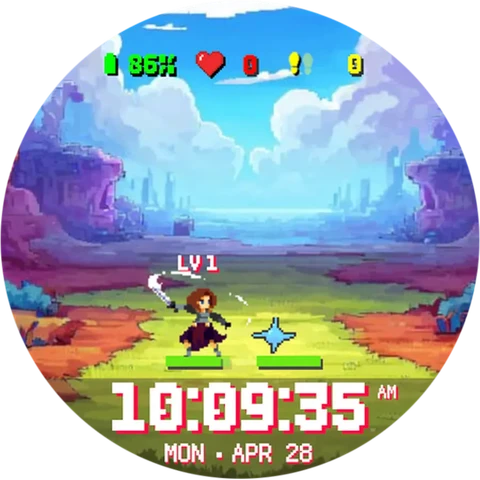
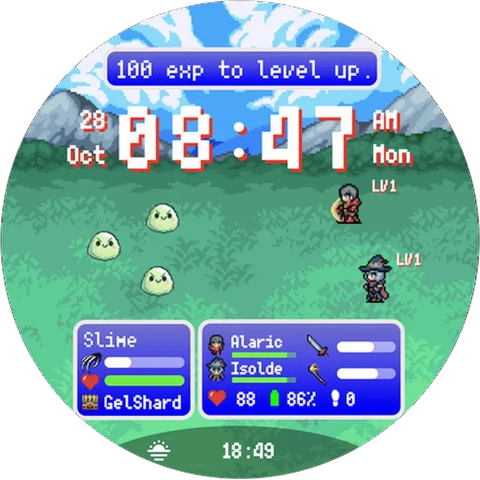
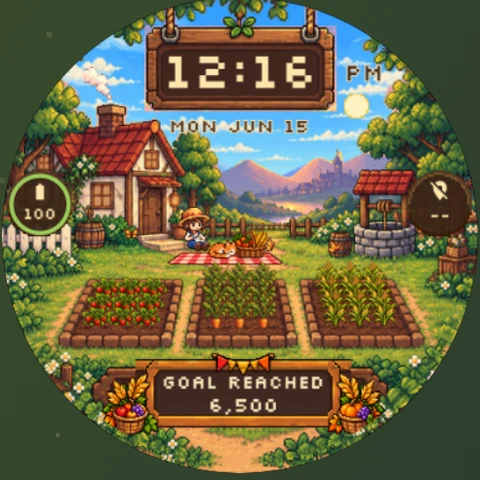
Jump to: Step Quest · Step Fantasy · Cyber Street · Step Farm
Step Quest: Walk the Monster Down
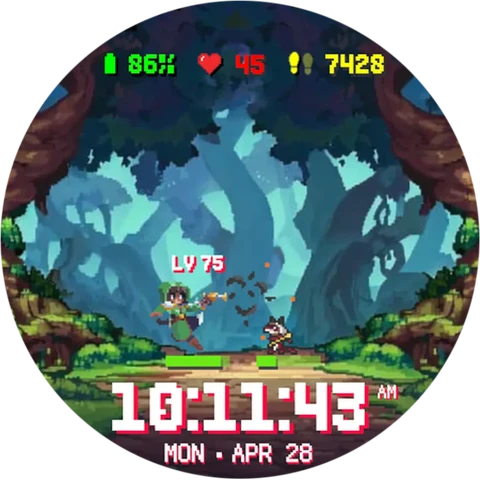
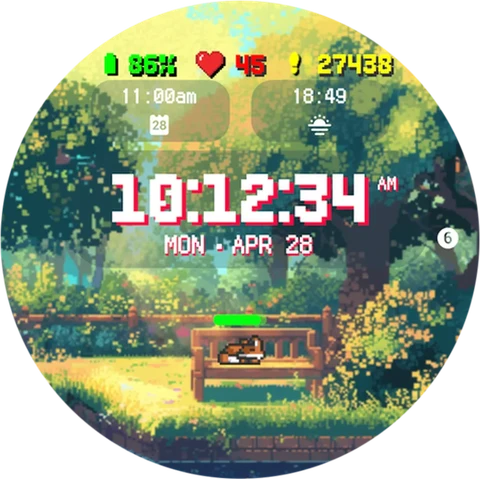
Step Quest makes your battery level the hero’s health bar. The other bar belongs to the monster, and your steps whittle it down. Hit your daily step goal and the fight gives way to a quiet pixel-art rest scene. Tomorrow, the adventure starts fresh.
Step Fantasy: A Knight or a Mage?
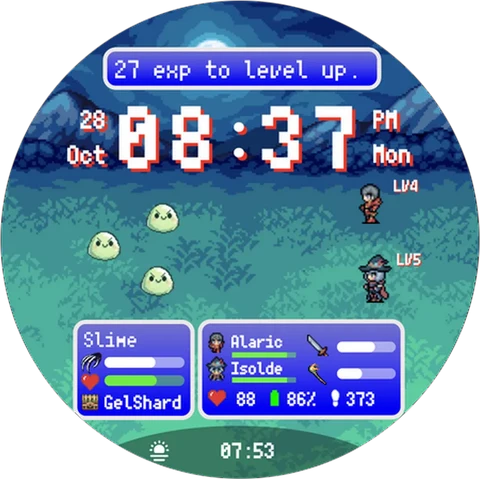
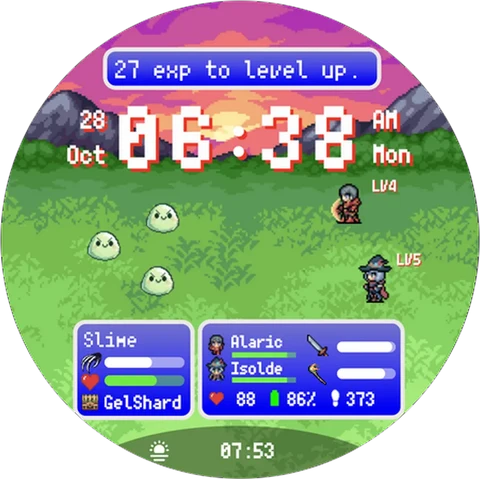
Pick a knight or a mage in Step Fantasy before heading out the door. Your steps move the skirmishes along, while the real clock takes the battlefield from soft morning light into daylight and deep night.
See Step Fantasy on Google Play
Cyber Street: Take the Neon Route
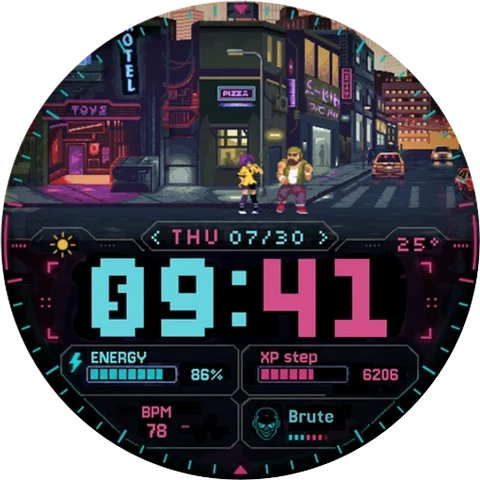
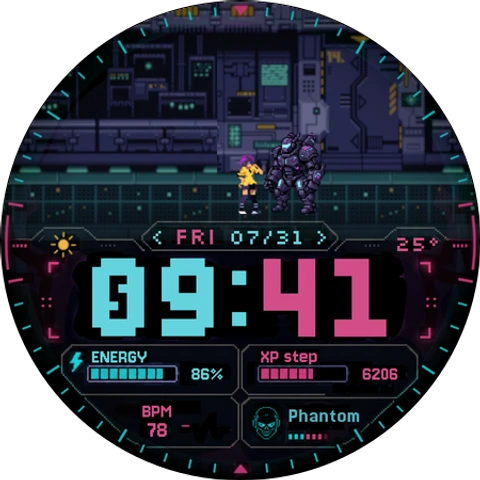
Take the long way home and see how far the brawl has moved in Cyber Street. Your steps push the fight forward, and the scenery cycles through three different neon streets over three days.
See Cyber Street on Google Play
Step Farm: See What Grew While You Were Out
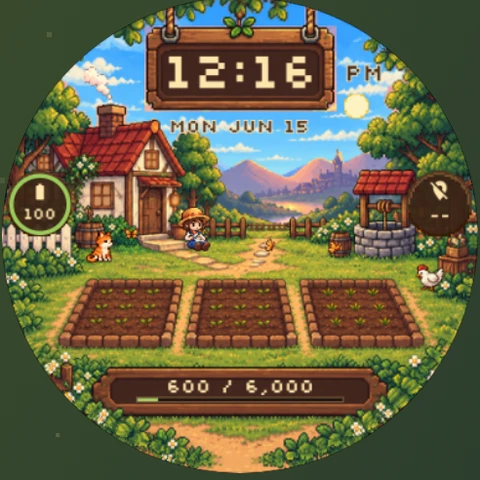
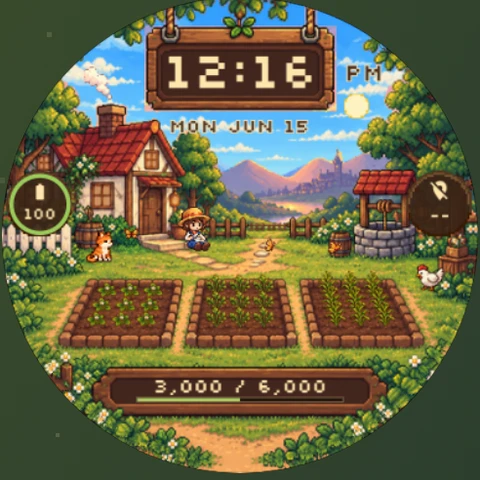
In Step Farm, a walk helps turn little green shoots into ripe strawberries. Above is the same patch at three stages of a 6,000-step demo. Set up your own farm at a woodland cottage, a stone homestead, or a glass greenhouse.
Is this a game?
These are watch faces, not full RPG apps. There are no fights to tap through or inventories to manage. Check the time, go about your day, and see what your steps have changed. Google Play’s Watch faces for gamers collection has included both Step Quest and Step Fantasy; what you see there can vary by region and over time.
Before buying, open the listing in Google Play and check installation eligibility for your exact Galaxy Watch, Pixel Watch or other Wear OS device. Requirements differ between faces. If you’d rather compare gaming designs with analog dials, cockpit displays and quieter scenery, start with our Wear OS watch face style guide.